Close an affiliate site
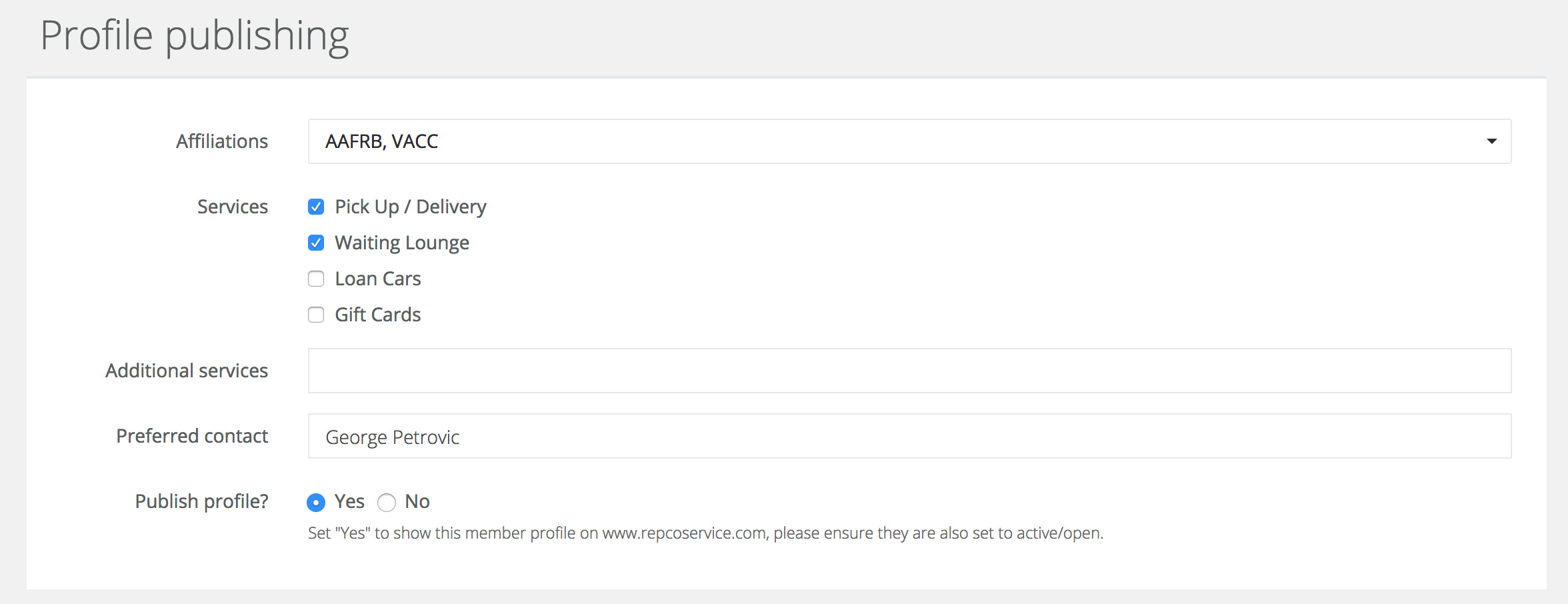
Step-by-step guide to close an affiliate member website follow these steps in order;
MMS & Chassis
- Login to MMS.
- Locate the member record you wish to edit.
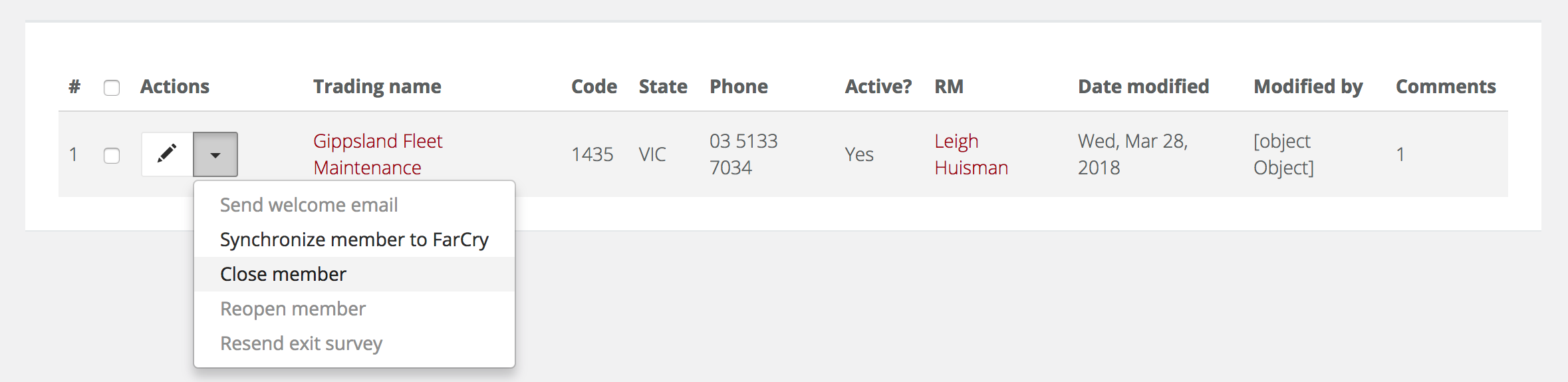
- Close the member to make it inactive (if they are leaving the program), click the down arrow to the left of the trading name and click close member.
- Set the member's has website setting to 'no'.

- Login to Chassis (use your MMS credentials).
- Locate the member you are editing and ensure they are no longer active in Chassis (closing them in MMS should have automatically updated this).
AWS
- Login to AWS.
- Search for Route 53 in the services and visit it.
- Click on the 1 hosted zone and select repcoservice.net.
- Locate the domain of the affiliate site you are closing and delete it.
Test
- Test the URL to ensure the website is no longer active.